Catch disapproved products the moment they happen, understand every issue in plain language, fix your Shopping feed in a few taps and see how your products perform on Google.


Features
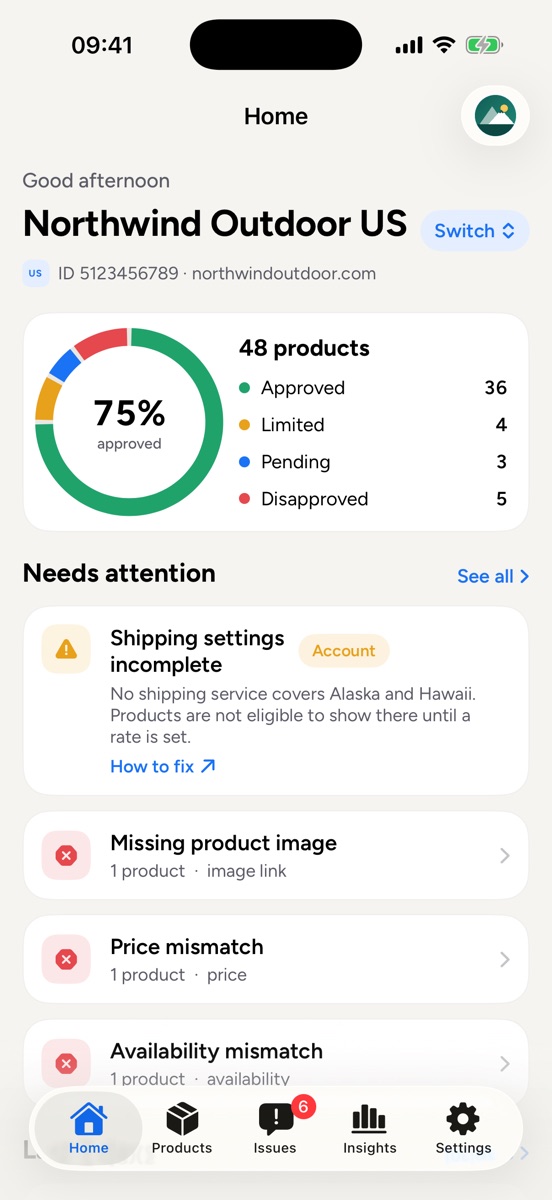
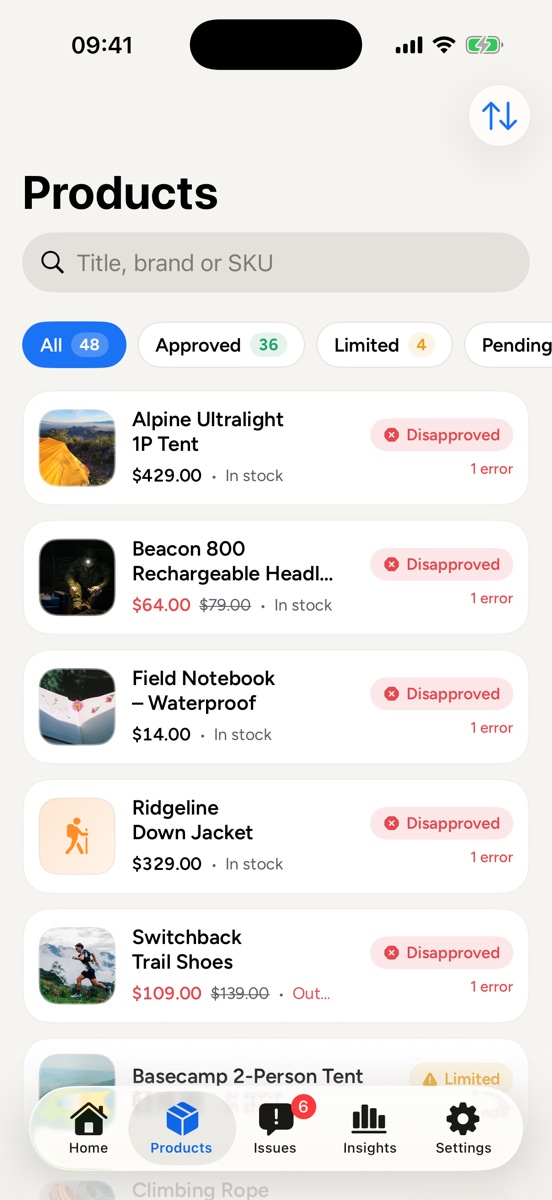
Approved, limited, pending and disapproved products in one dashboard. Search by title, brand or SKU.
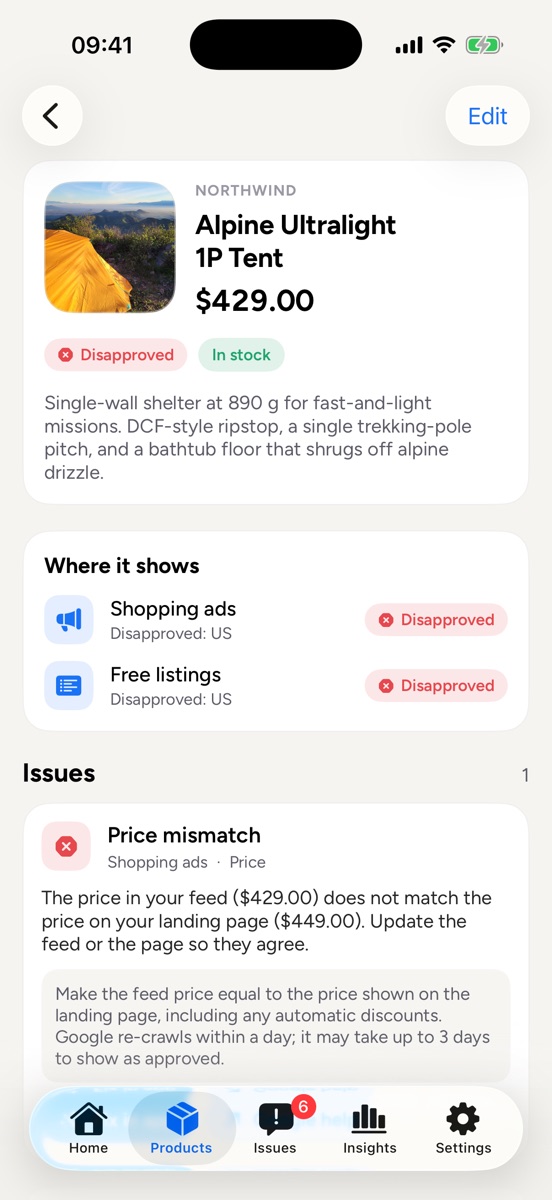
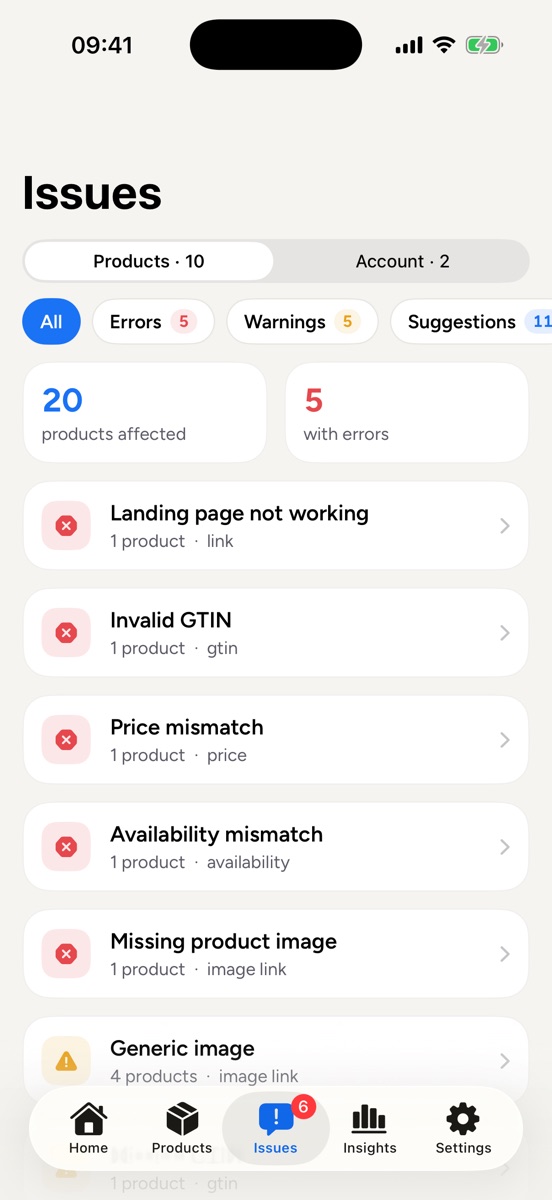
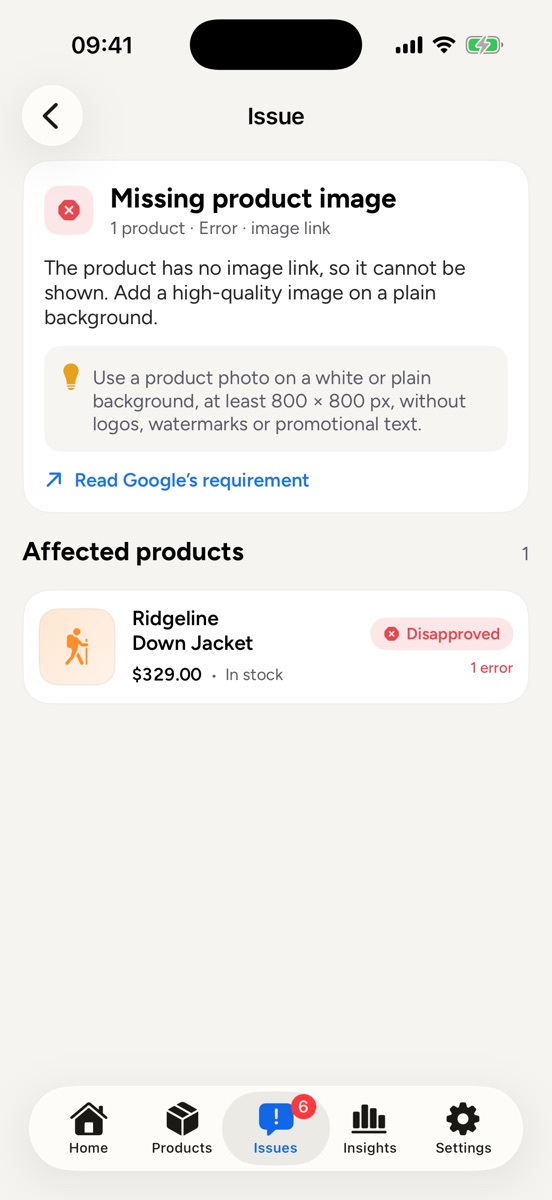
Every item issue grouped by cause, with a plain-language fix and the exact products and attributes affected.
Get a notification when products become newly disapproved, before it costs you sales.
Edit title, description, price, sale price, availability and link, or replace a photo from your camera roll.
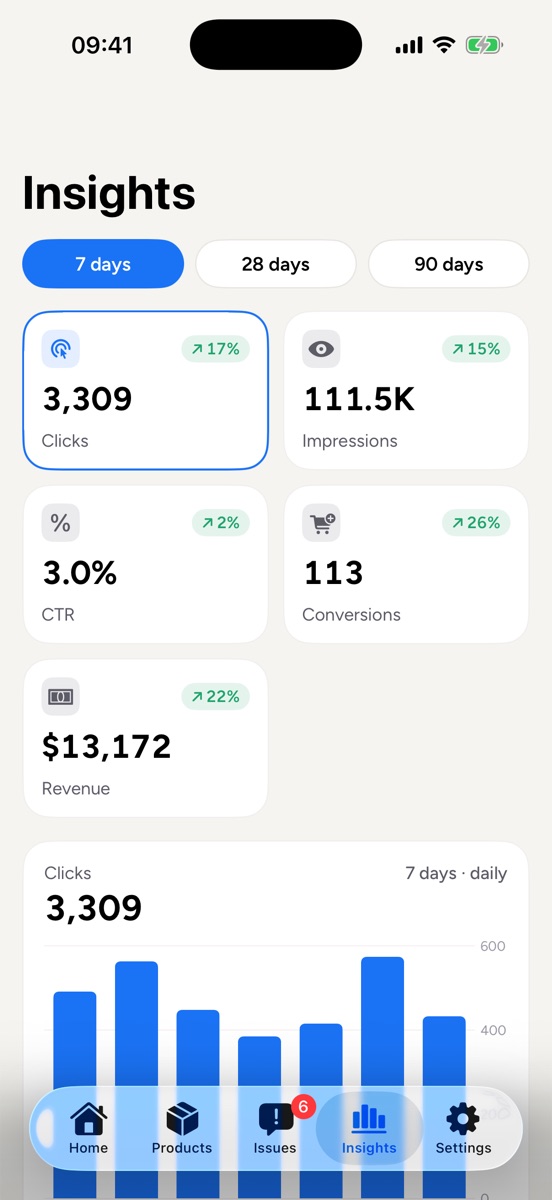
Clicks, impressions, CTR, conversions and revenue over 7, 28 or 90 days, with your top products.
Switch between all your Merchant Center accounts, see account issues and keep an eye on promotions.
How it works
Connect securely on Google’s own sign-in page and allow access to your product listings. Your password never touches the app.
Every Merchant Center account and product appears instantly, with its status and any issues.
Resolve disapprovals, update products and watch your clicks and revenue, from anywhere.
FAQ
No. Merchant Center for Google is an independent app made by m23n. It uses the official Google Merchant API with your permission, but it is not affiliated with or endorsed by Google.
You sign in on Google’s own page using OAuth. The app never sees your password, and your Merchant Center data travels directly between Google and your device. You can sign out and delete your account and data at any time from Settings.
Google shows the permission “Manage your product listings and accounts for Google Shopping” unticked by default. Tick it and tap Continue, otherwise the app cannot read your products.
Yes. Products in an API data source are updated in place. For products from a file, Google Sheets, the Merchant Center UI or an automatic website feed, the app writes your edits to a supplemental data source in your own Merchant Center account, and Google merges them into the product.
Yes. Every Merchant Center account your Google account can access appears in the app, and you can switch between them in a tap, ideal for agencies and stores selling in several countries.
iPhone and iPad (iOS 17 or later) and Android phones.
Download Merchant Center for Google and keep every product live on Google Shopping.